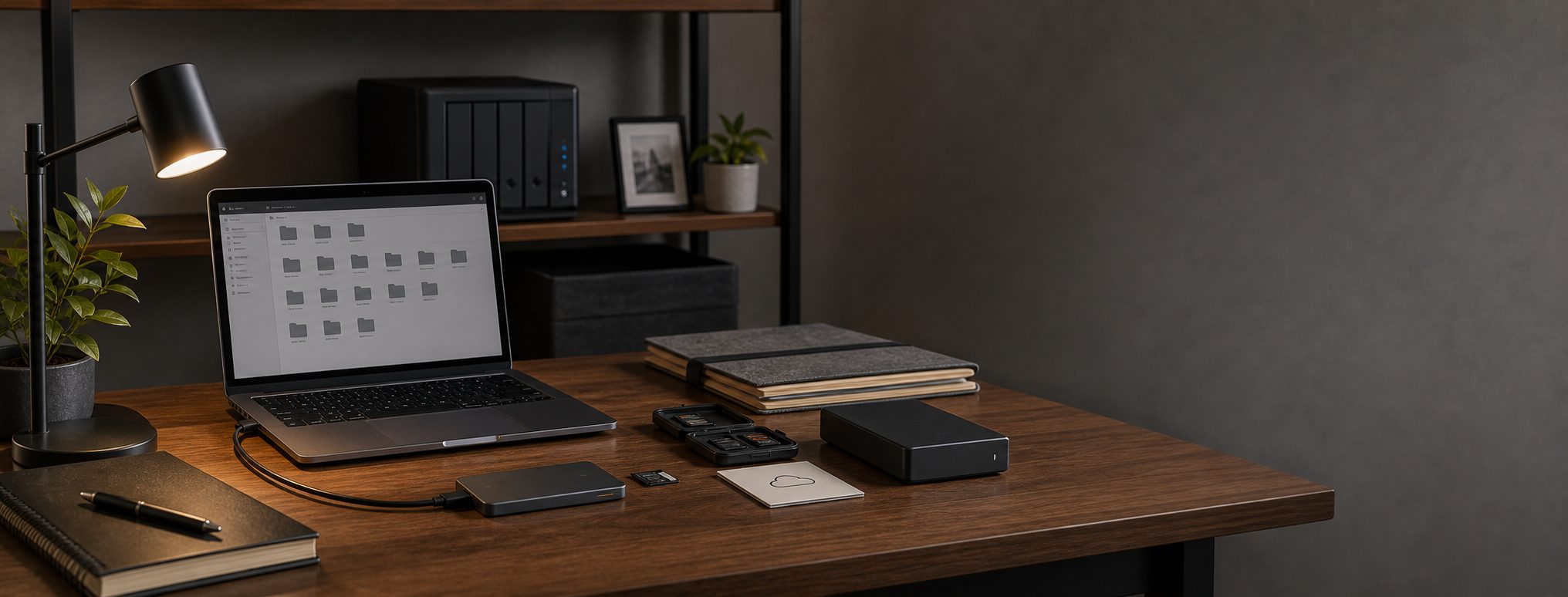
Creator Storage and Backup Setup for Video Projects
A practical SSD, archive, NAS, and 3-2-1 backup workflow for video projects, course files, podcast recordings, and creator deliverables.
As an Amazon Associate I earn from qualifying purchases. Recommendations are editorial, and we do not claim hands-on testing unless a product is explicitly marked tested.
Crucial X10 Pro
Your studio is not complete until active projects are fast and finished projects are recoverable.
Do Not Lose The Project
Creators working from one laptop with occasional external drives.
Approx. $200 to $500
Serious KitFast Edit, Real Archive
Regular creators with multiple projects, cameras, and client deliverables.
Approx. $700 to $1,500
Pro KitStudio Backup Discipline
Course builders, editors, and creators with revenue tied to project files.
Approx. $1,500 to $4,000+
The rule
Active projects need speed. Finished projects need recovery. Those are different jobs, and one drive should not be responsible for both.
A simple folder discipline
Use a predictable structure: Projects, Exports, Assets, Archive, and To Backup. Boring names beat clever names when you are recovering work under pressure.
Simple 3-2-1 creator workflow
Storage discipline
The active SSD is for speed. It is not the backup.
- Use one fast SSD for current edits, cache-heavy work, and handoffs.
- Keep a local archive drive or NAS for finished projects.
- Add a cloud or offsite copy for the version you would actually need after theft, fire, or drive failure. Directly attached drives and NAS volumes may require different cloud products.
- During the edit, copy camera cards to the active SSD and make a second local copy before formatting cards.
- After delivery, move the finished project out of active storage and into archive.
- Keep exported deliverables, source media, project files, fonts, licensed assets, and final notes together.
- Monthly, spot-check old archives before you need them.
client-project/01-footage/02-audio/03-project/04-exports/05-delivery
Cadence matters: during edits, back up at the end of each work session. After delivery, archive once and verify the offsite copy.
What to buy first
Buy a fast working SSD and a separate backup target before buying another camera accessory. Lost footage is more expensive than a slightly less cinematic shot.
This matters most when files come from repeatable production work: the talking-head YouTube setup, video course recording kit, and solo podcast setup all create source files that should exist in more than one place.
If the local archive is a NAS, include a compatible UPS and a cloud path that explicitly supports NAS data. Backblaze Computer Backup can cover supported drives directly attached to a computer, but it excludes network volumes; Backblaze B2 is the corresponding NAS-capable route. Treat those as different products with different pricing and restore workflows.
Prove recovery before adding capacity
Estimate the next project’s source media with the recording storage calculation guide, then restore one representative project file from both the local and offsite paths. A larger drive does not fix an unverified backup job, and RAID or sync does not replace an independent recoverable copy. Capacity is sufficient only when the project fits, the edit remains workable, and the required copies can be restored.
Do Not Lose The Project
Approx. $200 to $500
Use one fast working SSD and one separate backup drive. Do not edit from the only copy.
Samsung T7 Shield
- Role
- Portable SSD
- Best for
- Active projects
A portable SSD is the easiest way to separate active media from your internal laptop storage.
WD Elements desktop drive
- Role
- Local backup
- Best for
- Project copies
A cheap large desktop drive is not glamorous, but it is better than having no second copy.
Backblaze computer backup
- Role
- Cloud backup
- Best for
- Disaster recovery
Computer Backup can protect files on the computer and supported directly attached drives against theft, fire, and drive failure. It does not back up NAS or network volumes.
Fast Edit, Real Archive
Approx. $700 to $1,500
Separate working media, local archive, and cloud backup. Keep names boring and consistent.
Crucial X10 Pro
- Role
- Fast working SSD
- Best for
- 4K editing projects
Use the fast SSD for active projects and cache-heavy work, not as the only archive. Its 20Gb/s headline depends on USB 3.2 Gen 2x2 support, so many Mac desks will see closer to 10Gb/s-class performance.
House workflow pick: this repeats on production pages because active media needs fast working storage; here, it is part of the storage discipline instead of a side accessory.
SanDisk Extreme PRO SD reader
- Role
- Ingest
- Best for
- Camera media
Reliable ingest gear reduces the temptation to edit from cards or scatter files.
WD Elements desktop drive
- Role
- Archive drive
- Best for
- Finished projects
Archive drives should be large, boring, labeled, and backed up elsewhere.
Carryover pick: this remains the right choice at this tier, so the upgrade budget is better spent on the surrounding setup.
Studio Backup Discipline
Approx. $1,500 to $4,000+
Build a simple 3-2-1 discipline: working SSD, local storage, cloud or offsite copy.
Synology DiskStation DS225+ NAS
- Role
- Local NAS archive
- Best for
- Centralized files and backups
A real NAS is a better pro-tier archive target than a single-drive personal cloud. The current two-bay DS225+ adds 2.5GbE for a more useful local path, but it is sold without storage and still needs compatible drives, capacity planning, and an offsite copy.
Current two-bay pick: verify Synology's drive compatibility list and the exact diskless or bundled package before ordering. RAID availability does not make the NAS an independent backup.
Crucial X10 Pro
- Role
- Working drive
- Best for
- Current edits
Keep current projects on fast portable storage, then move finished work to archive. Do not let the working SSD become the only copy just because it feels fast.
Carryover pick: the SSD appears twice on this page because working storage and archive storage are separate jobs.
Backblaze B2 Cloud Storage
- Role
- Offsite copy
- Best for
- Recovery
Use a NAS-compatible cloud target such as B2 for the offsite copy. Backblaze Computer Backup excludes network and NAS volumes, so do not assume a desktop subscription protects the archive.
B2 is usage-priced object storage, not the unlimited Computer Backup plan. Estimate capacity, retention, and restore transfer before committing the NAS.
USB-connected UPS for the NAS
- Role
- Safe shutdown
- Best for
- NAS and network continuity
A compatible UPS gives the NAS time to unmount volumes and enter standby during an outage. Size it for the NAS, required network gear, and shutdown window rather than buying by VA number alone.
Confirm USB or supported network signaling with the exact NAS and UPS. Battery backup reduces power-loss risk; it does not replace another copy.
Useful Add-Ons
CalDigit TS4
- Role
- Dock
- Best for
- Multi-drive desks
A reliable dock helps if your desk has cameras, card readers, SSDs, displays, and audio devices attached. TS4 remains a strong Thunderbolt 4 pick; compare TS5 Plus before paying full price for a Thunderbolt 5 or 10GbE workstation.
Frequently Asked Questions
Is a NAS a backup?
Should I edit from an external SSD?
What is a simple 3-2-1 backup for creators?
Does Backblaze Computer Backup protect a NAS?
Related Setup Guides
- Talking-Head YouTube Setup for Solo CreatorsA repeatable YouTube desk setup for solo creators: camera, microphone, lighting, capture, storage, and a weekly recording workflow.
- Video Course Recording Kit for Lessons and WebinarsA course recording setup for lessons, webinars, screen capture, scripts, camera, audio, lighting, controls, and storage.
How this guide was evaluated
Research-basedThis guide is editorial analysis based on primary documentation and workflow constraints. It does not claim firsthand product testing.
Products reviewed: Samsung T7 Shield, Crucial X10 Pro, WD Elements, Synology DS225+, Backblaze Computer Backup, Backblaze B2 Cloud Storage, NAS-compatible UPS.
Primary sources and references
- NIST Special Publication 800-34 Rev. 1National Institute of Standards and Technology
- Set the video format in Final Cut CameraApple Support
- About Apple ProResApple Support
- DiskStation DS225+Synology
- Network-Attached Storage DevicesBackblaze
- UPS support in DiskStation ManagerSynology
Update and correction history
- Rechecked storage math and recovery guidance against Apple and NIST documentation and added explicit research labeling.
- Moved the NAS recommendation to Synology DS225+, separated Backblaze Computer Backup from NAS-compatible B2 storage, and added UPS guidance.
Spot an error or changed compatibility detail? Request a correction. See our methodology, editorial policy, and affiliate disclosure.